 OnceSwipe
Photo cleaner for iPhone and Android
Pay once. Swipe it clean.
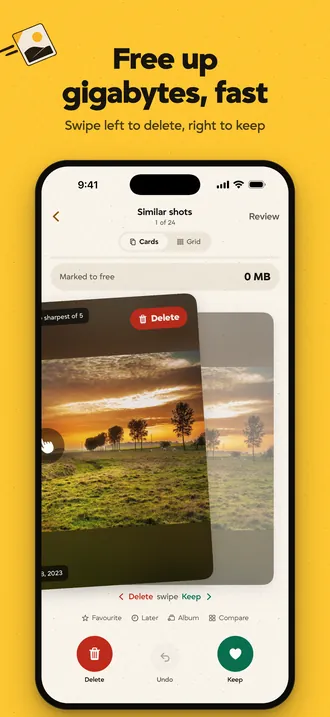
Swipe left to delete, right to keep. Or tap Free up space: OnceSwipe ticks the copies and retakes it’s sure about, you check the rest, and see exactly how much space came back.
- App StoreComing soon
- Google PlayComing soon
Paid upfront. No in-app purchases, no account.

See it in action
The real app, on iPhone. Android looks the same, with Android’s own controls.

Pay once. No subscription, no ads, no limits.
Most photo cleaners charge every week, show ads, or stop you after a few swipes. OnceSwipe costs one price, once. There is nothing to cancel and nothing to unlock later. You already own it.
Get it again on a new phone with the same Apple ID or Google account at no charge.
OnceSwipe · receipt
- Subscription
- none
- Ads
- none
- Swipe limits
- none
- In-app purchases
- none
- Account
- none
- Data collected
- none
- Total
- paid once
A five-minute swipe, not a chore
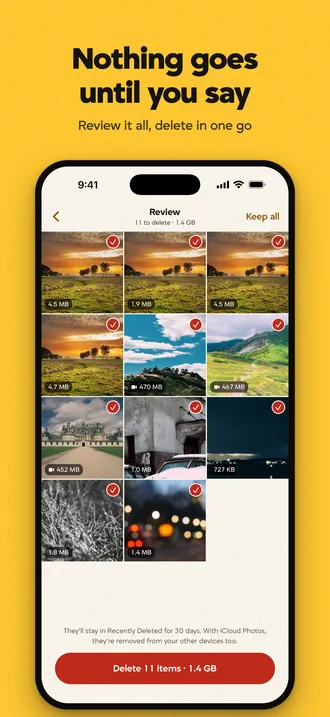
Nothing is deleted until you review it. Favourites are never suggested.
-
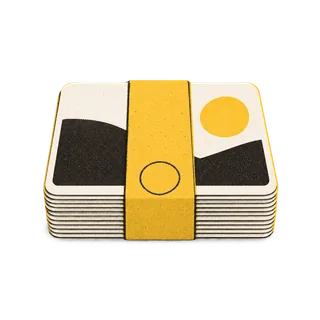
Free up space in one tap
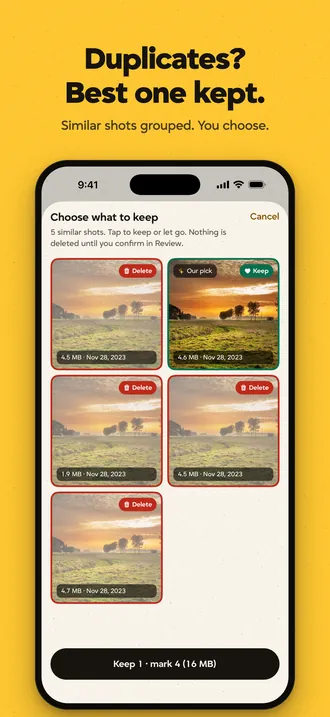
- Exact copies and retakes ticked for you, one of each always stays
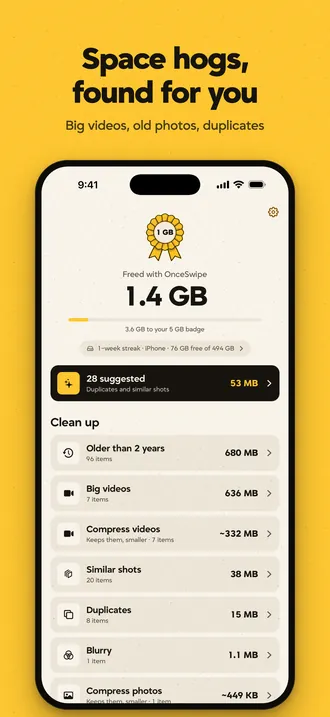
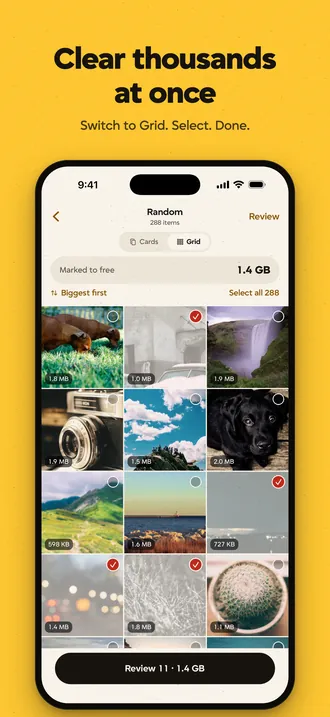
- Similar shots, old screenshots and big videos left for you to decide
- Never ticked: favourites, edited photos, albums, the last 7 days
- Also found: blurry photos, screen recordings, old and low-resolution photos, chat app photos on Android
-
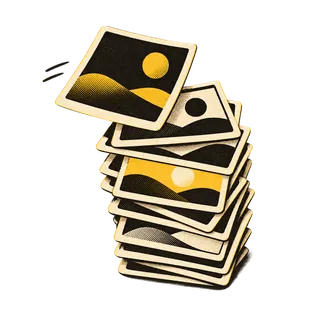
Swipe your way
- By month, at random, recent, or “On this day”
- Tap any photo to see it full screen, zoom or play
- Undo anytime, then delete in one go
-

Shrink without losing
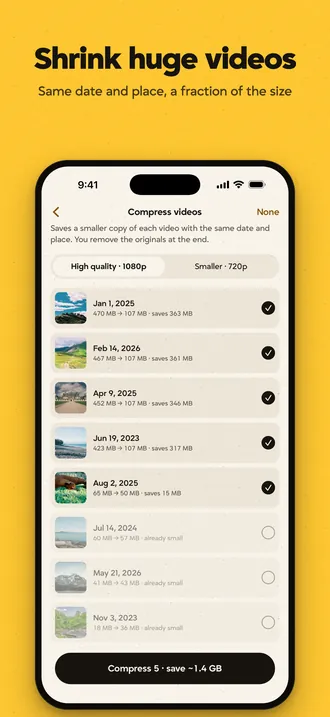
- Compress videos to a fraction of their size, same date and place
- Turn Live Photos into stills on iPhone
-

Real numbers
- See exactly how much you freed, by type and by month
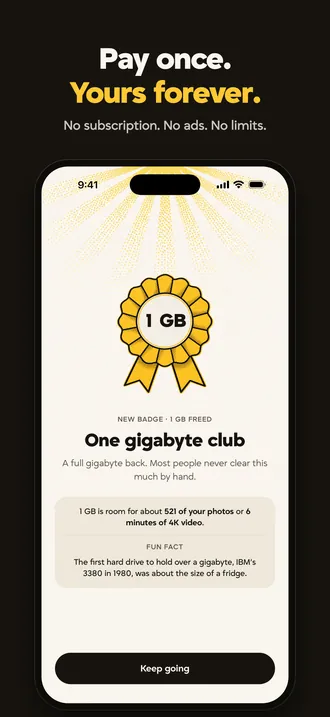
- Badges from 100 MB to 1 TB
- Honest about iCloud: only space freed on this phone counts
-
Room to change your mind
On iPhone, deleted items wait in Recently Deleted for 30 days. On Android 11 and later they go to the system bin for about 30 days, and you can restore or empty it from OnceSwipe. On older Android versions deleting is permanent, so nothing is ticked for you.
-

Calm reminders, if you want them
Optional nudges like “412 new photos since your last clean”, created on your phone. Off until you turn them on.


Ten badges, 100 MB to 1 TB
Every clean counts towards the next one, measured on your phone. Your first badge usually takes a single sitting.











Private by design
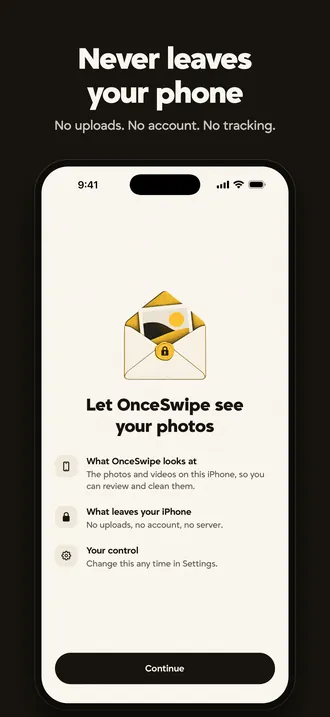
Everything happens on your phone. OnceSwipe has no servers, no account, no analytics, no ads and no tracking. Your photos are never uploaded anywhere. The only thing it fetches is app updates.
The App Store privacy label reads “Data Not Collected”, and Google Play’s data safety section reads “No data collected, no data shared”.
How it works
- Allow access to your photo library. OnceSwipe reads it on the phone.
- Tap Free up space, or swipe through a month or a quick win like big videos.
- Review what you marked, then delete it in one go and see the space you got back.